Posts
Turn what your research already proved into posts your audience can actually read.
Mara Adeyemi
Operations consultant · Food and drink manufacturing
Tuesday 07:45 · Public
The report lands, everyone agrees, and then it turns out the person who has to change how they work on Monday morning was never in the room when it was decided. Six weeks later the old way is back and nobody can say exactly when. see more
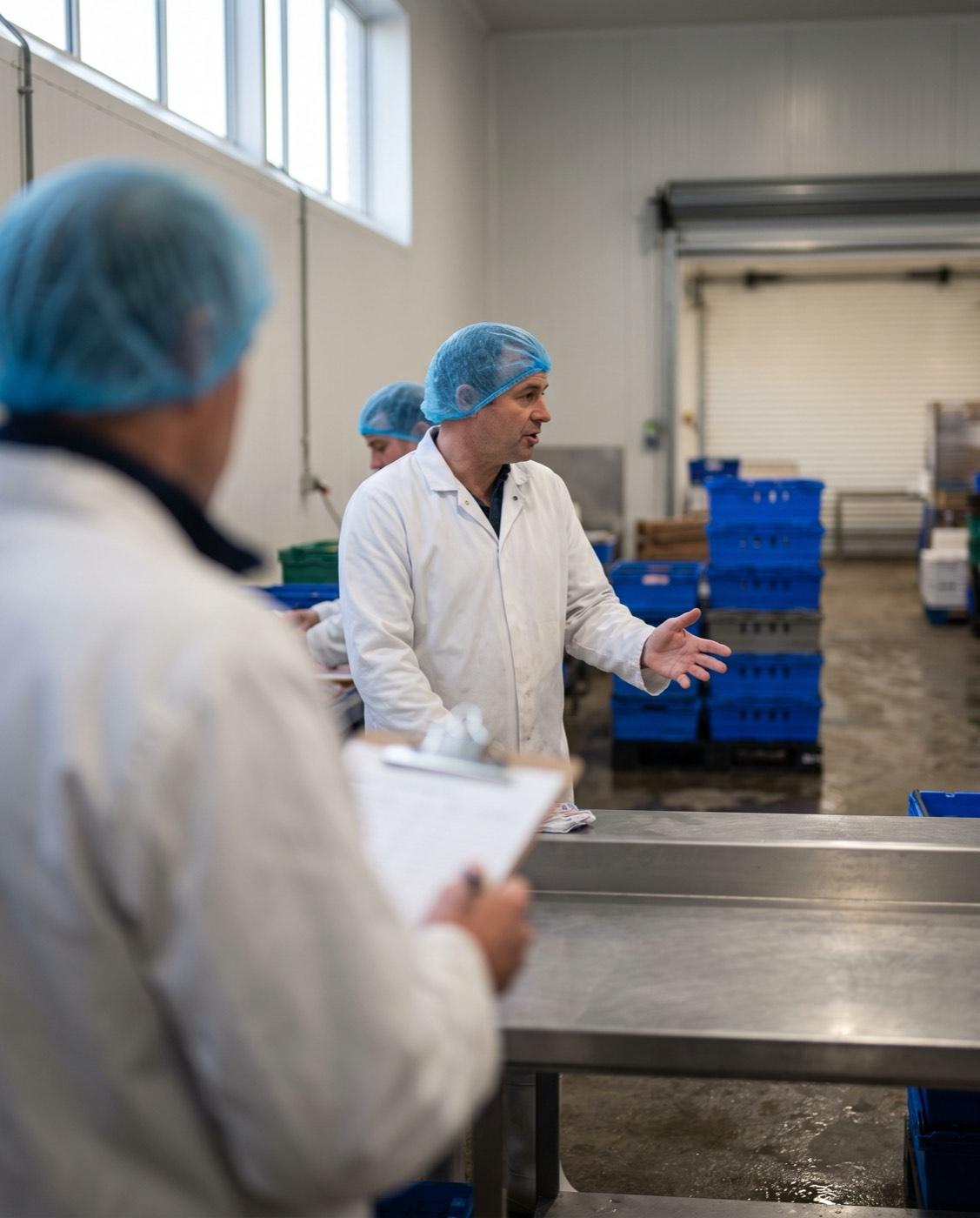
Most operations audits find the same three savings. Almost none of them survive the handover.
What it is
Five things you can write from the research you already have: a social post, a thread, a carousel, an article, and an email newsletter such as an investor update. It is a LinkedIn carousel maker and a post generator with one difference that matters: it writes from what your research already proved, not from a prompt you type. You pick the format, we propose the story arc in your own subject matter, and you decide whether that is the story you want told.
You approve the story before anything is charged
Nothing is generated until you have read the beats and agreed to them, and the price sits on the approve button before you press it. That price is a ceiling, so you are charged that or less, never more. Changing your mind at the arc costs you nothing, which is the point of showing it there. And the shape of the story moves too: each piece opens, turns and lands differently from the last, chosen to fit the job first, so two weeks of posts never read as one post told ten times.
Every piece has a job, and the jobs take turns
A month of posts that all sound the same is the thing a feed forgives least, so each piece is given a job before a word is written: teach something a reader can use today, argue a position somebody could disagree with, show one specific thing that happened, or make your offer plainly. The jobs rotate, two that teach for every one that sells, so your feed gives more than it asks. Every twenty pieces, one reintroduces the company, because the people reading your twentieth post are mostly not the ones who read your first. And each finished piece is read back against its job before you see it.
Carousels arrive as finished slides, not as a text box
A carousel comes out as real slide images plus one PDF, ready for you to upload yourself as a LinkedIn document post. The slides carry the brand colors saved on your project with your fonts embedded, so they look like you and not like a template, and the words sit over the pictures as real text so they stay legible. A slide can also carry a bar, line or donut chart, one big number, or a plain icon for the idea: the model only chooses which of those fits the beat, the renderer draws it, and every figure is checked back against your research or the words on the slide, so a number nobody can source is dropped rather than shown. Rendering the slides costs nothing on top of the writing.
Pictures with your own logo on them
Your project gets one visual world, worked out once and reused, and each picture is art directed from the beat it belongs to, generated in order so a carousel reads as one place rather than eight. You choose the quality yourself, Quick, Standard or Best, and no tier is locked behind a plan. Your real logo file is placed in the corner, never drawn by a model, and if you have no logo yet you get an honest picture with nothing on it. Every image lands in your project library for the deck, the app and the demand page, with its alt text already written.
Published to eight platforms, each in its own shape
You can publish to LinkedIn, Instagram, X, Facebook, Threads and Pinterest. Each one gets its own render at its own size rather than a crop of somebody else's, and a caption that runs over a platform's limit is said again, shorter, for that platform: every link survives, no figure is invented, and the ending still lands instead of being cut off mid-thought. Where a platform takes fewer slides, the story is told again in the slides it takes, so a reader there still gets the ending rather than the first half of an argument. On LinkedIn the slides go out as one PDF, the document a reader swipes through, so the whole piece arrives. If a post cannot be valid somewhere, it is left out with the reason written down, rather than sent to be rejected. A video goes further than a post does: every one of those six takes video as well, and so do TikTok and YouTube, which take video and not pictures. One vertical file goes to all of them, the feeds built for a tall screen show it at full height, and the rest show it upright in the feed. Point a project at particular accounts and two ventures keep separate audiences.
Your content calendar, planned in one pass
Give a theme, a voice if you have one, and the mix you want across every platform we publish to and your own newsletter, up to fourteen pieces. A TikTok or YouTube slot is always a video, and every other platform carries a count of videos beside its count of posts, so a week can hold a LinkedIn video beside two LinkedIn posts. You choose how the week's videos are made and how long each one runs, and the week is priced again as you change your mind. One pass writes related angles for the whole week and picks a good hour for each in your audience's timezone rather than yours. Planning costs nothing, and when you approve the week the pictures and the videos come with it: one price on the button covers the writing, every picture and every video at the qualities you picked, and that price is a ceiling. After that a clock delivers each piece at its time, once. A thread, a newsletter or an article is handed to you to paste, because no platform will accept those from an outside tool.
The dates you mark become greetings
Tell a project the dates that matter, New Year, the day you first delivered, and a planned piece that lands on one becomes a short warm greeting instead of another sales post. A date you mark once repeats every year unless you say otherwise. We never guess: no date written down, no greeting, because wishing your audience a happy anything by guesswork would go out under your name.
A carousel from every presentation video
When you make a presentation video, the same slides can come back as a companion carousel of seven slides at the 4:5 shape, ready to schedule beside the video. People who swipe and people who watch both get the full idea, because the carousel is built from the script you already approved and so says exactly what the video says.
What it will never do
It will never invent a figure: a number that cannot be traced to your research or to the slide it sits on does not get drawn. It will never send anything you have not approved. And it will never draw your logo, because a logo a model draws is not your logo.
Common questions
Does it actually post for me, or do I copy and paste?
It posts. Connect your accounts and a scheduled piece goes out at its time, once. We then check it actually reached the feed, because a platform accepting a post and showing it are two different things: one refused in a passing outage goes back on the clock, and one that already landed is never sent twice. If a piece fails for good, you get an email that says so, and one press stops everything in a week that has not yet posted. A thread, a newsletter or an article is handed to you to paste instead, because no platform will accept those from an outside tool. Nothing goes out that you have not approved.
Which platforms can I publish to?
LinkedIn, Instagram, X, Facebook, Threads and Pinterest take pictures and words, each with its own render and its own caption length. All six take video as well, and so do TikTok and YouTube, which take video and not pictures. A video goes out as one vertical file to every account you tick, and the feeds built for a tall screen show it at full height.
Are carousels PDFs or images?
Both. The slides arrive as finished images in your brand colors, and the same set is produced as one PDF as well, ready for you to upload yourself as a LinkedIn document post. When we publish to LinkedIn for you, that PDF is what goes out, so the reader swipes the whole piece.
Is this a LinkedIn post generator?
It does that job, with a different starting point. A LinkedIn post generator writes from the prompt you give it. This writes from the research you already ran, so the posts carry your customer language and numbers that can be traced to a source, and the same piece is rendered for five other platforms as well.
Do I need a designer or a marketer to use this?
No. The slides use the brand colors saved on your project with your fonts embedded, the charts are drawn for you from checked numbers, and the words are laid over the pictures as real text so they stay readable. You approve a story and press publish.
Try Posts
Describe your idea once, and the research, your documents, your prototype and your live page are all written from it. Starter is $55 a month, with fourteen days to change your mind.
Start your growth engineRelated guides
- LinkedIn post ideas for founders: six that work, and what to leave outSix kinds of post that work for founders, a worked opening line for each, and what to leave off.
- How to post a PDF carousel on LinkedInLinkedIn calls it a document post. How to make the PDF, upload it, and design pages people actually swipe.
Related features
- Buying one finished piece of work outrightPay once for the one piece of work you need, and have the finished thing the same hour.
- Trying it without committingFourteen days to change your mind, a first research run on us, and a first project that spends none of your credits.
- Changing your mind, and what happens if a payment failsAsk inside the window and the whole amount comes back, and a card that stops working never costs you your work.